Robot Lawn Mower Without Perimeter Wire: One Walk, App-Defined Boundary, Across the UNICUT Range
Every UNICUT model, from the 500 m² H5 to the 1500 m² H1, leaves the carton ready to operate without a perimeter wire; the boundary is taught once by walking the lawn with the unit and locked in the SmartMowBot app.
See the install difference, then see the 3-step setup.
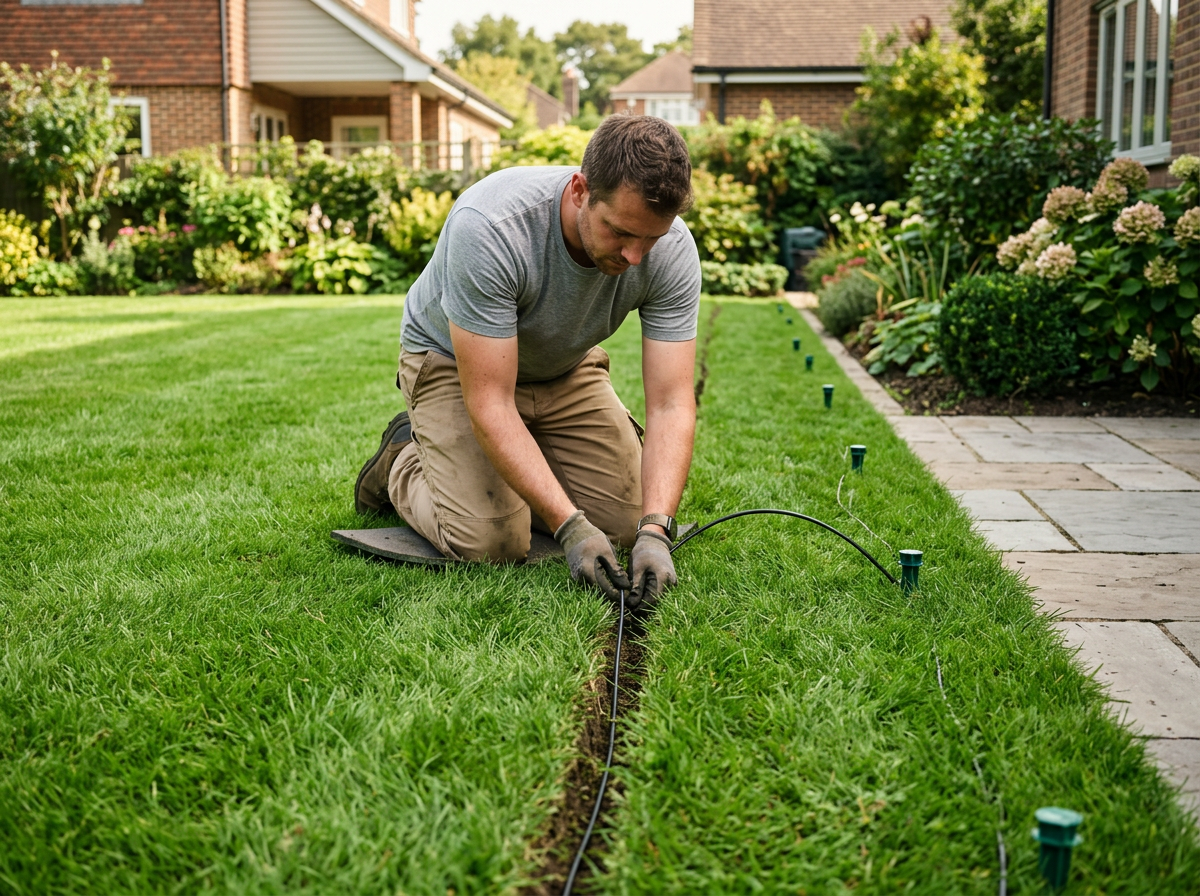
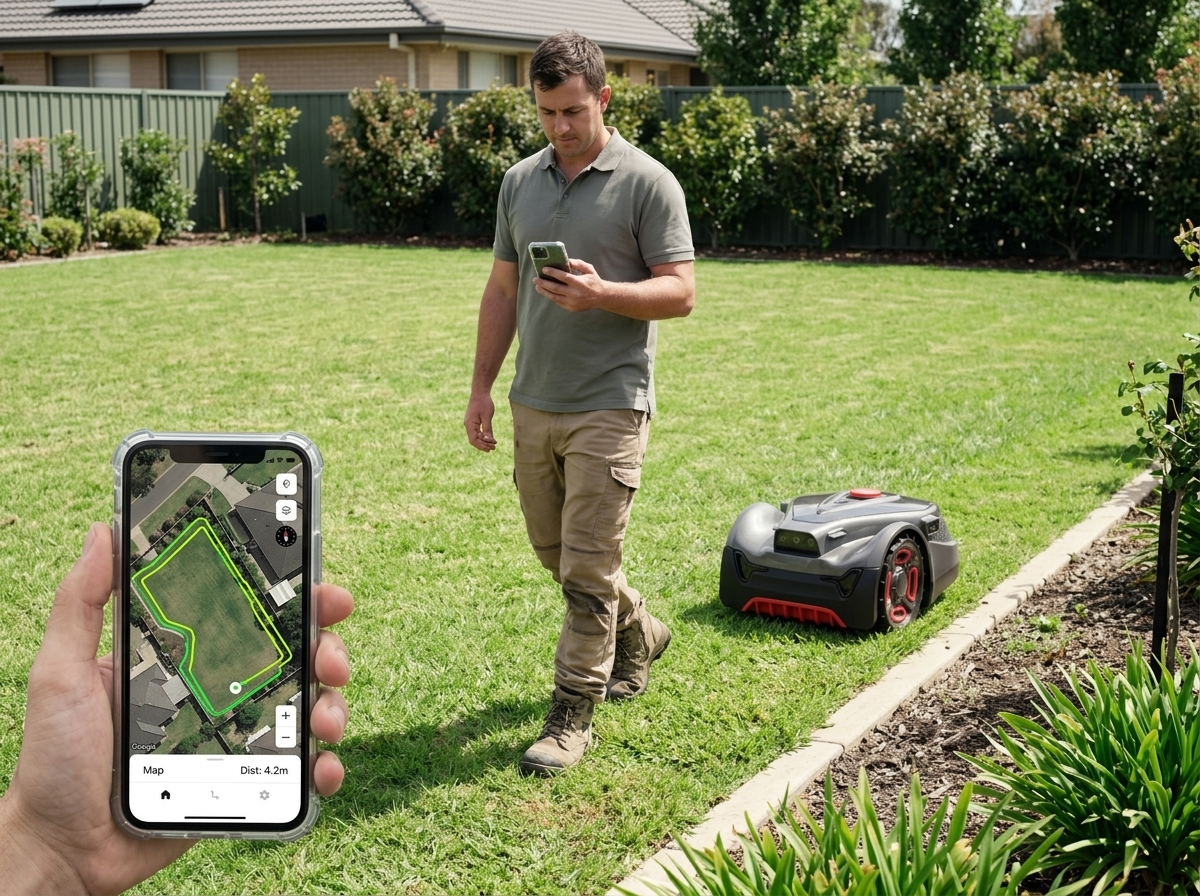
Why brands are dropping the perimeter wire from their next robot lawn mower SKU
A boundary-free robot lawn mower removes four operating-cost lines that a wired SKU still carries on the dealer P&L.
Install labour eats unit margin
Trenching or pinning a perimeter cable around every lawn adds site visits and trained-installer hours before the first mow.
Cut wires drive the RMA tail
Aeration, edging, gophers and frost heave snap buried wires; every break sends a service truck back out.
Properties that refuse cable
Many residential, rental and HOA lawns will not allow a buried cable across the turf, which hard-caps the installed base for a wired SKU.
Relandscape forces a re-trench
The moment a bed line moves or a new path goes in, the whole perimeter has to be laid again.
Setup workflow for a no perimeter wire robot lawn mower
The hero stepper compresses the workflow to three callouts. The four rows below open each step into what the operator actually does, what the app shows on screen, and what the unit is doing in the background.
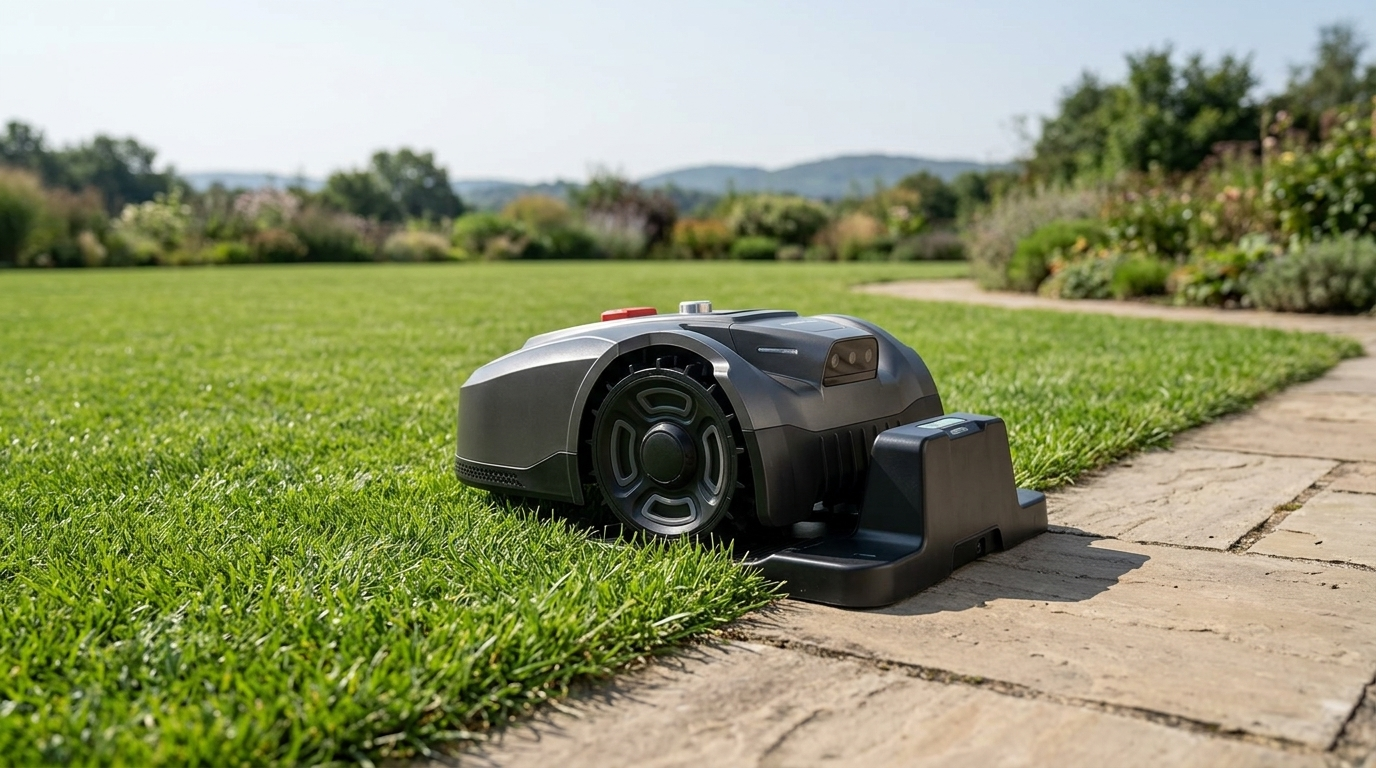
Place the dock and power on
Park the dock at a flat edge of the lawn with clear sky overhead and a standard mains outlet within reach of the supplied cable.
Power on; the unit rolls into the dock and starts charging while the app pairs to the unit over Bluetooth and joins the home WiFi.
Walk the lawn perimeter once with the unit
With the unit in teach mode, the operator drives it slowly along the lawn boundary while the app draws the path live on the map.
Pausing or re-walking a section is non-destructive; the recording follows the unit, so an operator can stop, reverse a few metres and continue without restarting the teach.
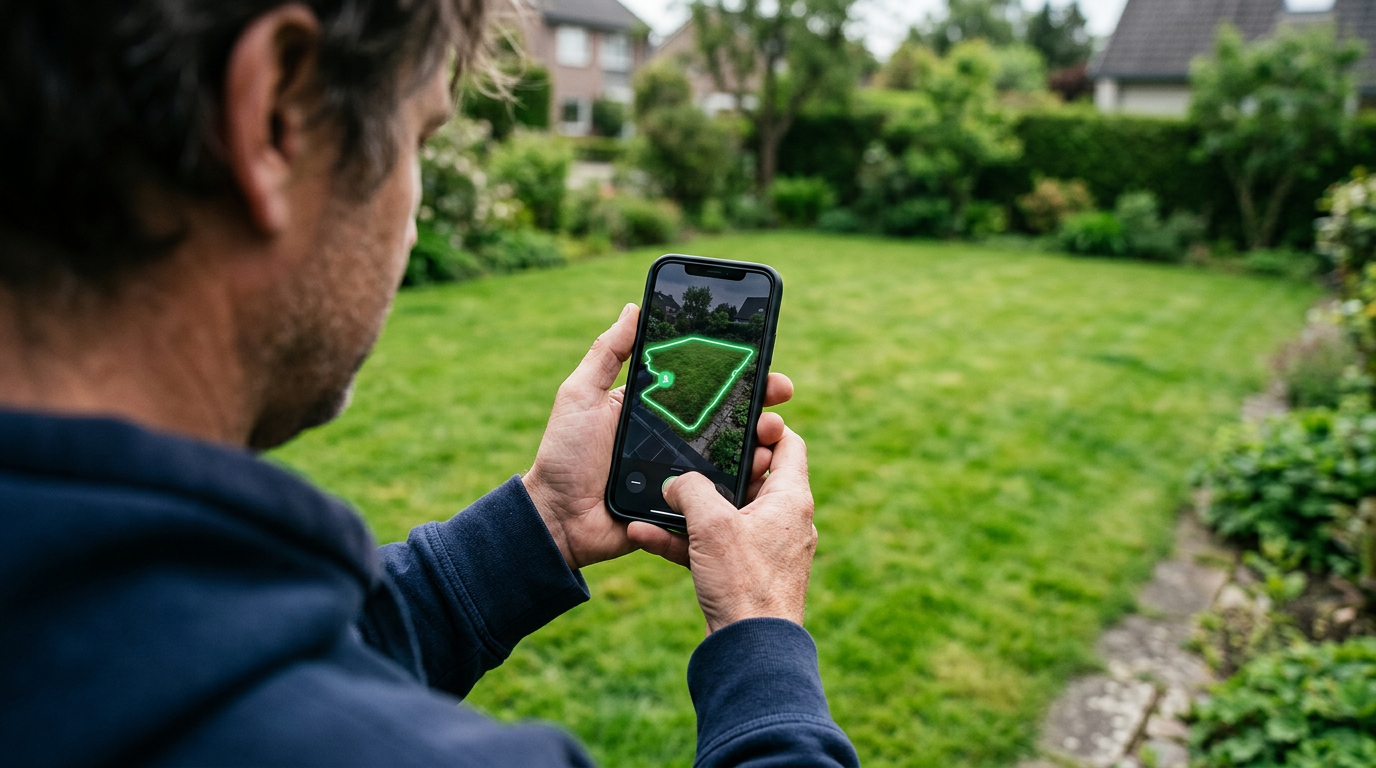
Save the boundary in the app
Tapping save commits the recorded path as the lawn's outer boundary; the app stores it as a named map tied to that unit's serial.
The map syncs to any phone signed into the same SmartMowBot account, so the dealer, the homeowner and a service technician all see the same boundary without exporting files.
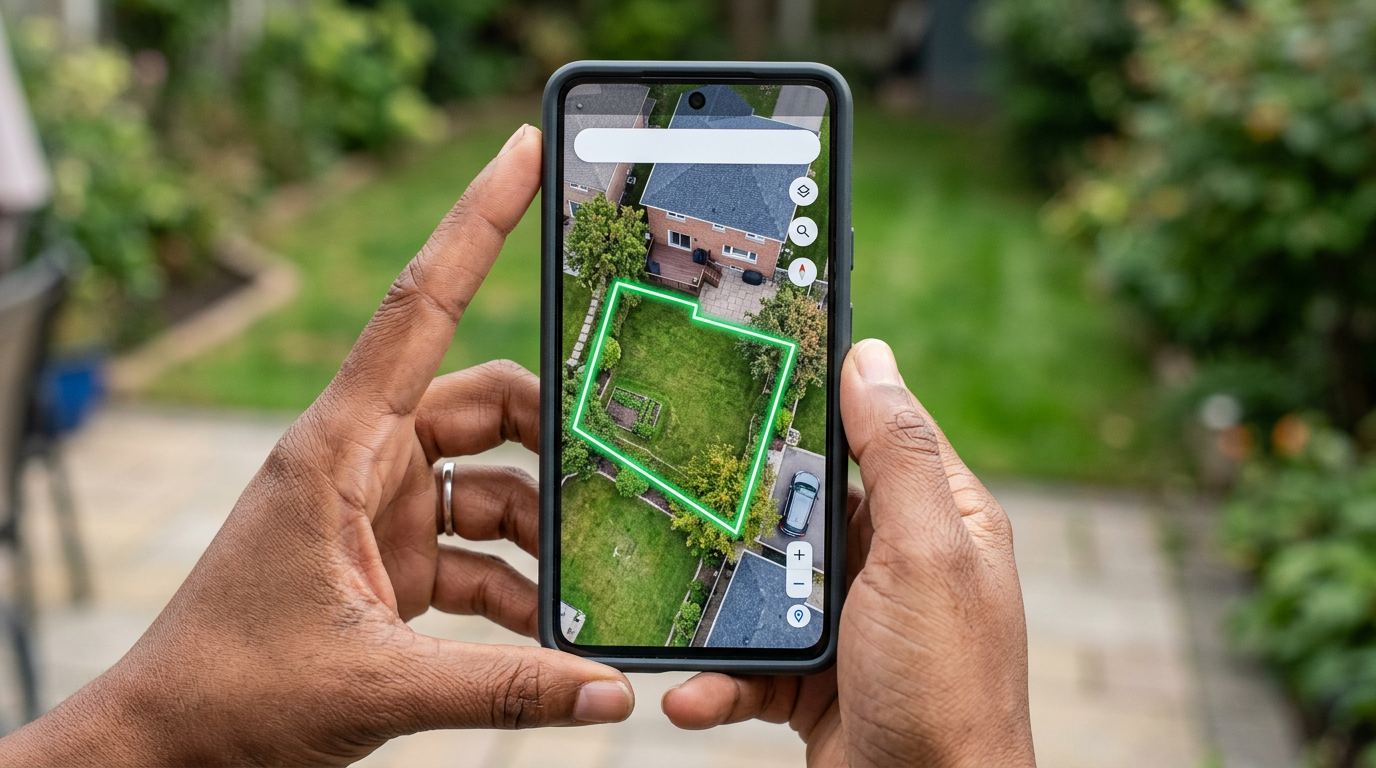
Add zones, no-go areas and narrow passages
Once the outer boundary is locked, the app exposes editing tools for inner no-go areas, named zones with their own schedules, and narrow corridors between zones.
Every edit ships over the air to the unit; the operator does not return to the lawn or re-walk anything to apply the change.
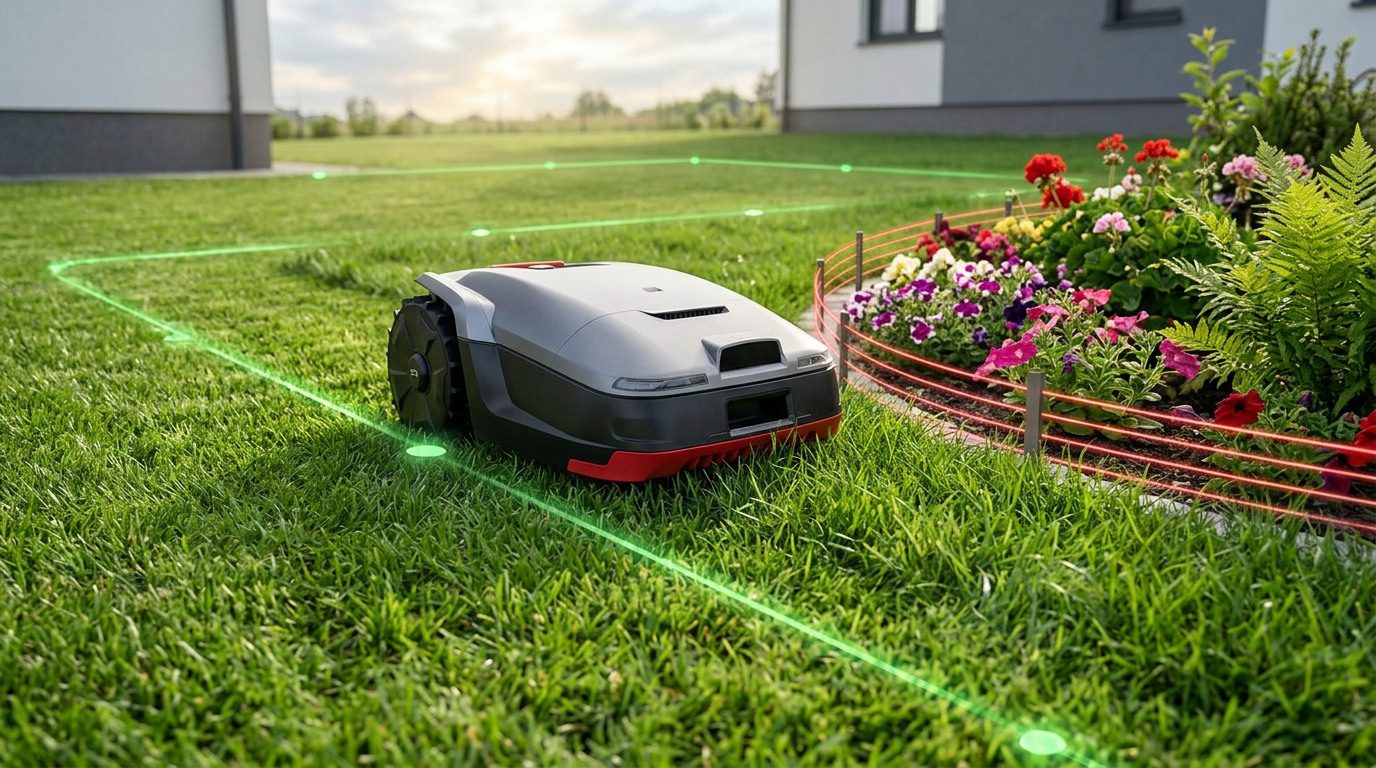

Every UNICUT model walks its own boundary; no wire underneath the lawn.
What a wire-free robot lawn mower lets you do that a wired SKU cannot
The boundary is software once the wire is gone. Four capabilities follow that a buried cable cannot match, and all of them are app actions, not site work.
Multi-zone yard, one unit
Split one lawn into named zones with their own mowing schedules; the unit picks them up in the order the app sets.
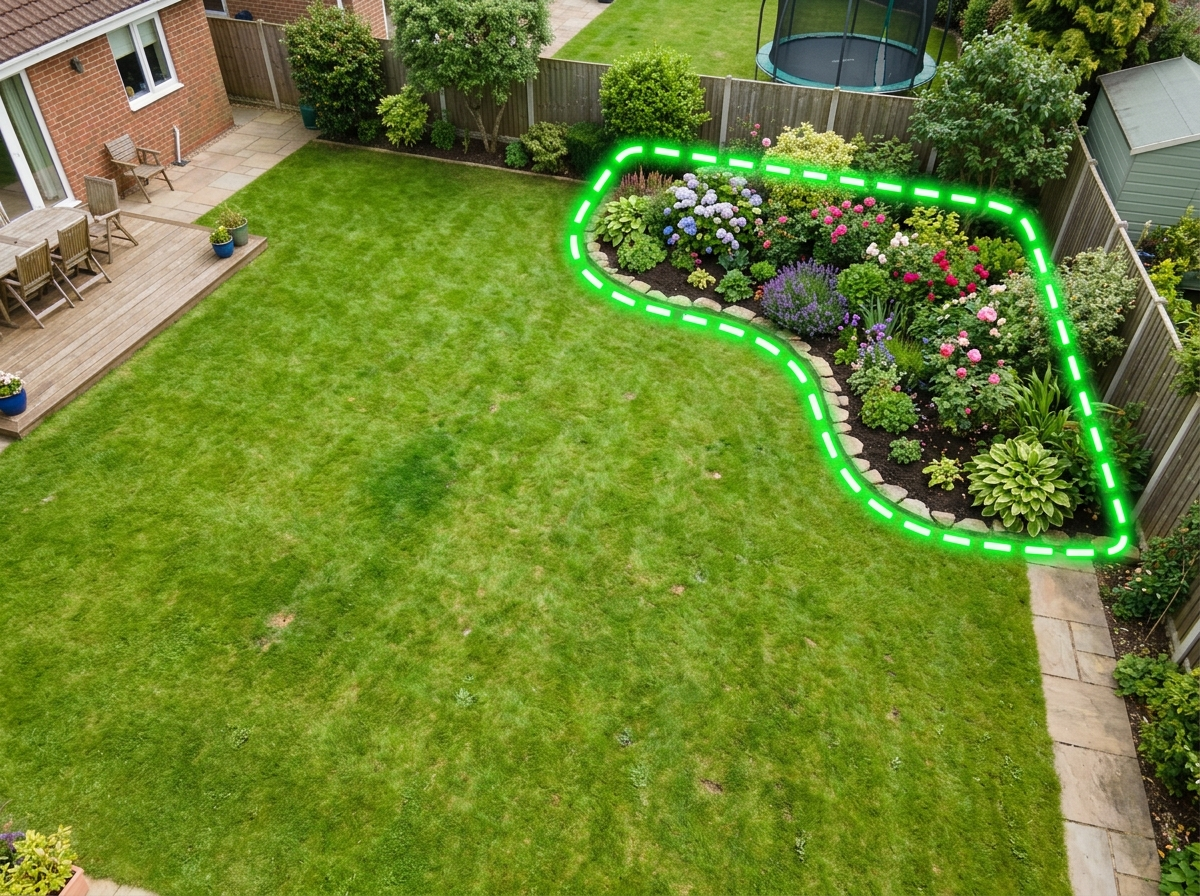
App-drawn no-go zones
Mark flower beds, pools, play areas and trampoline anchors without trenching anything; the unit treats the outline as a hard exclusion.
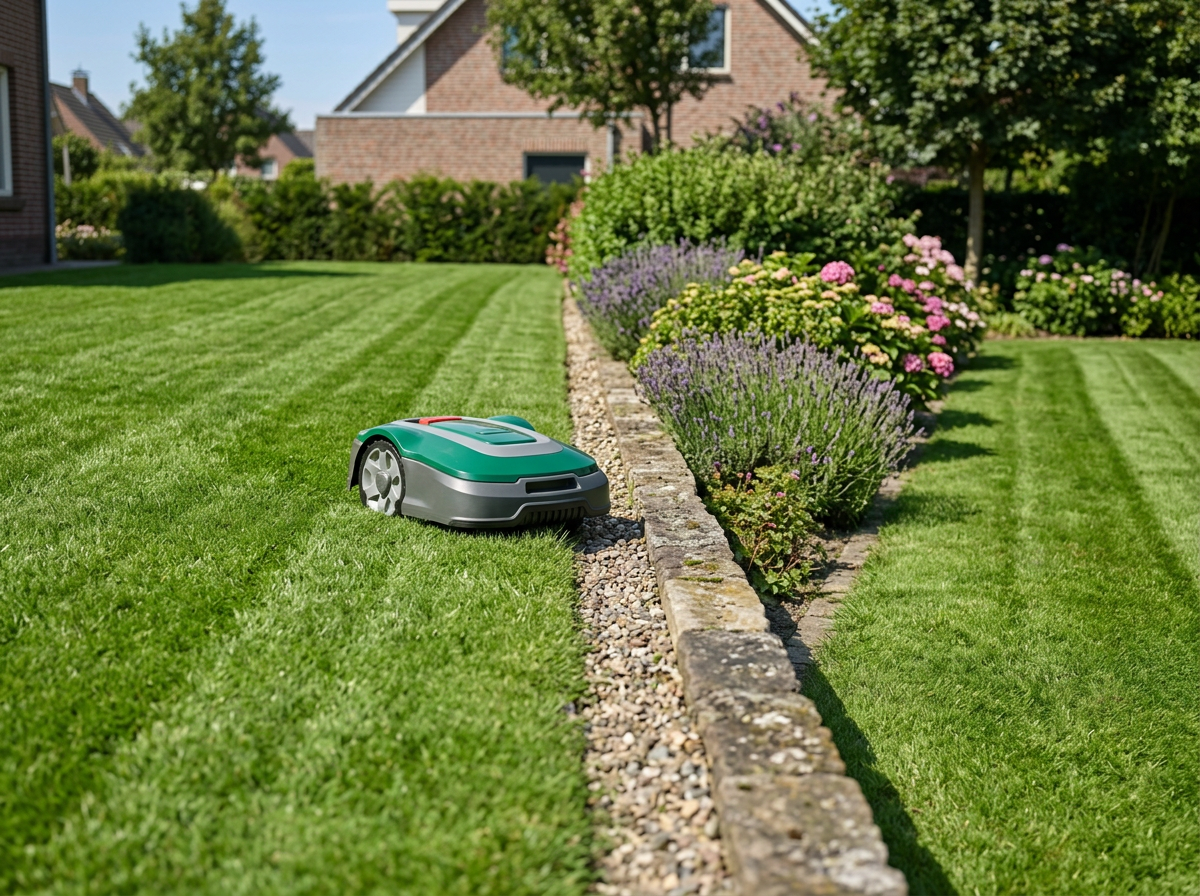
Narrow-passage routing
Set a corridor between zones, through a side gate, or along a fence run; the unit traverses it without a guide wire.
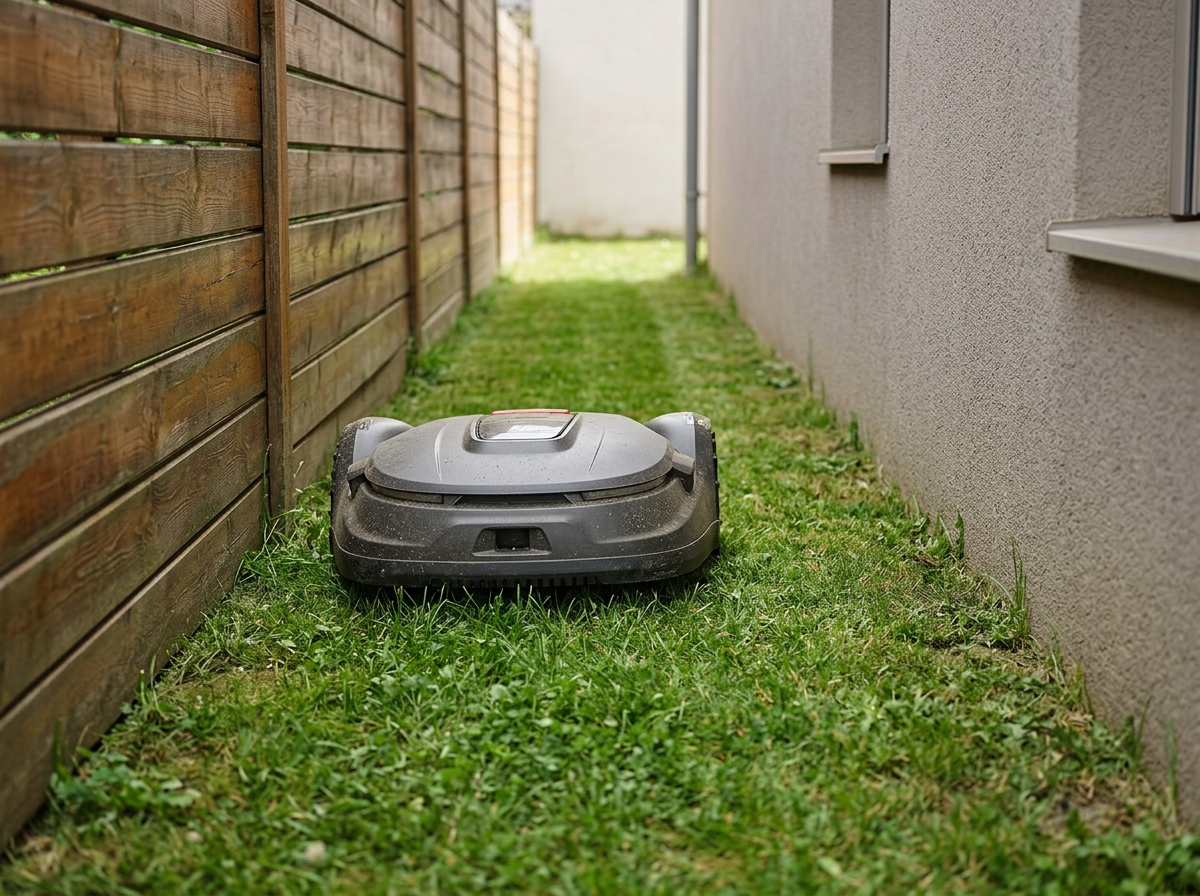
Re-draw the map any time
Move a bed line, lay a new patio, or rent the property to a new tenant; redraw the boundary in the app in minutes, no install rework.
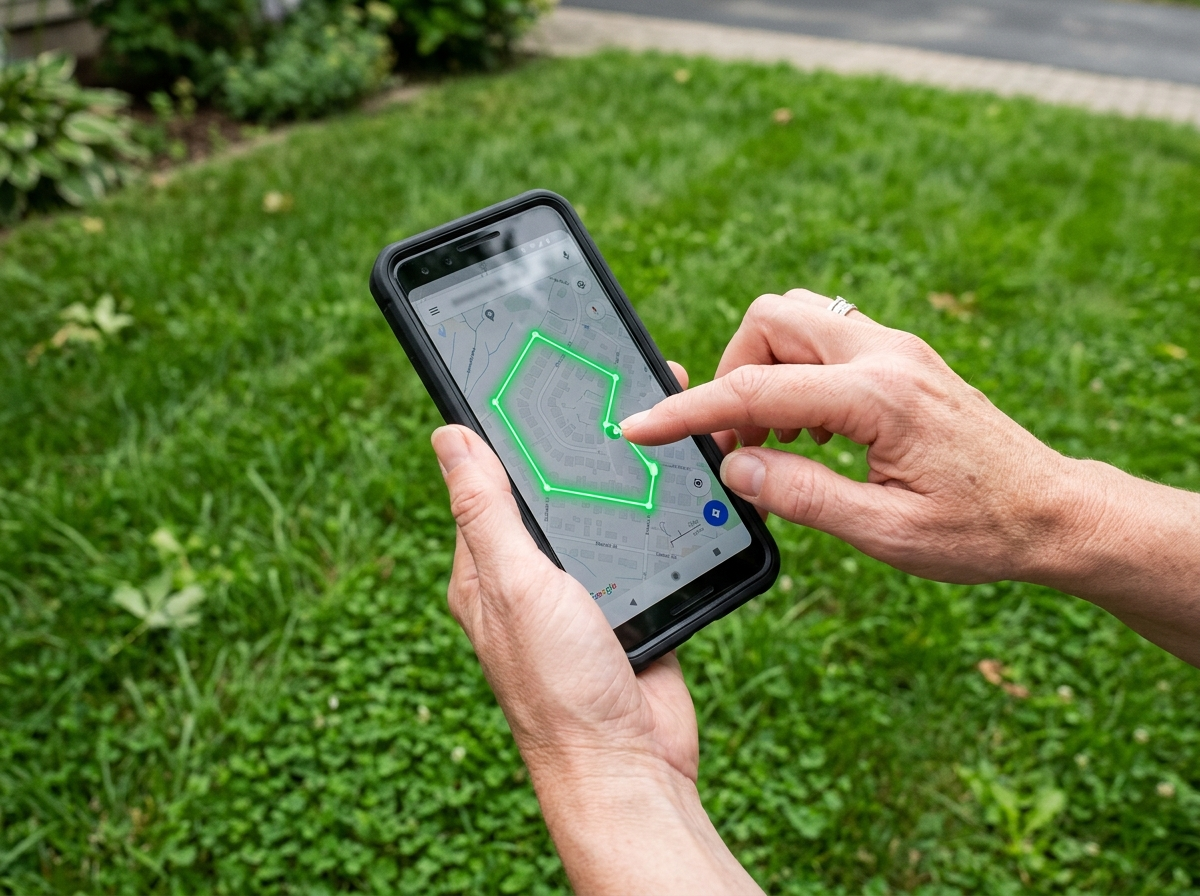
How the unit stays inside the app-defined boundary without a wire
The unit holds the saved boundary through the SmartMowBot localization stack: GFLS, a fusion of RTK, visual SLAM and AI vision, runs on H1, H3 and H3 PRO, while H5 holds the boundary on pure vision alone. Full details and the per-model breakdown live on the robot lawn mower technology page.
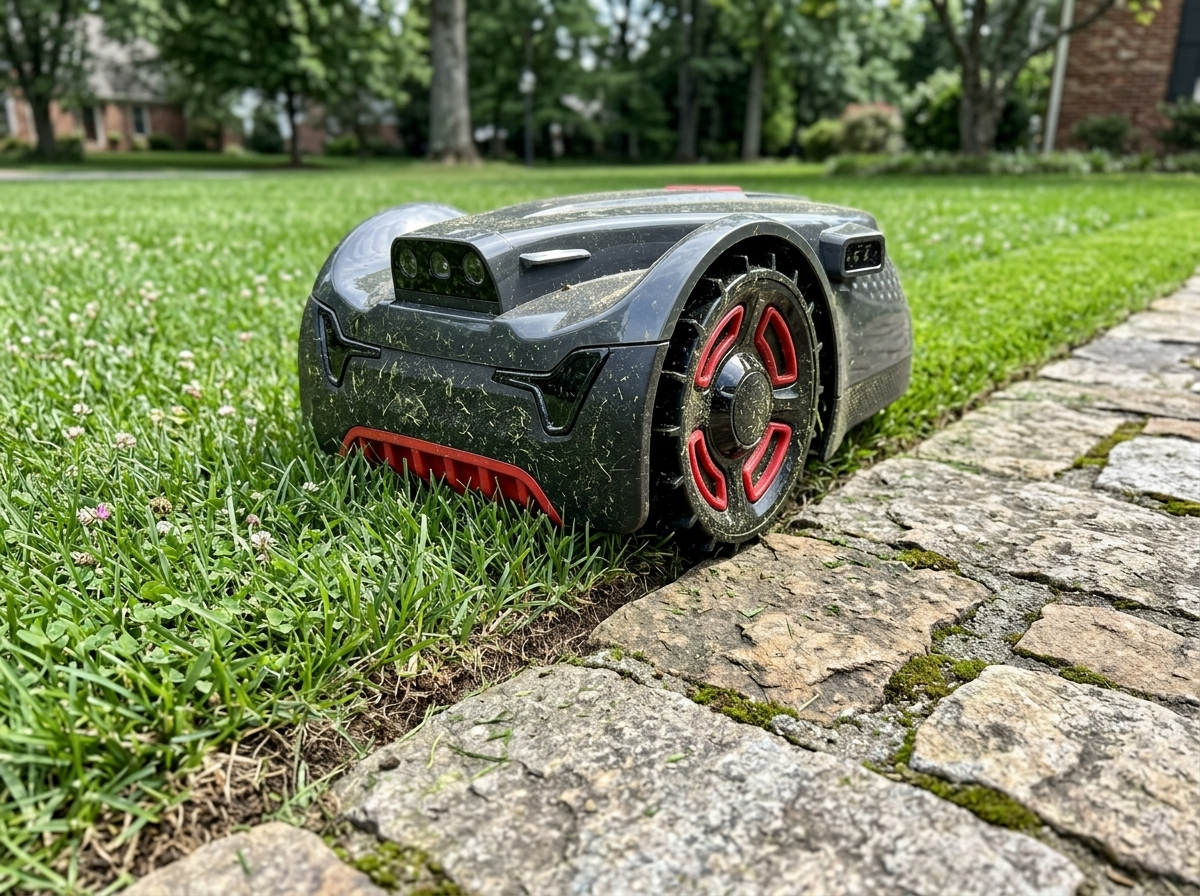
Boundary-free operation is standard on H5, H3, H3 PRO and H1
The walk-once teach and the app-defined boundary are identical across the four coverage classes; what changes between models is the coverage area, the camera and the localization stack, which is why the depth on those splits lives on the catalog hub and the SKU pages.
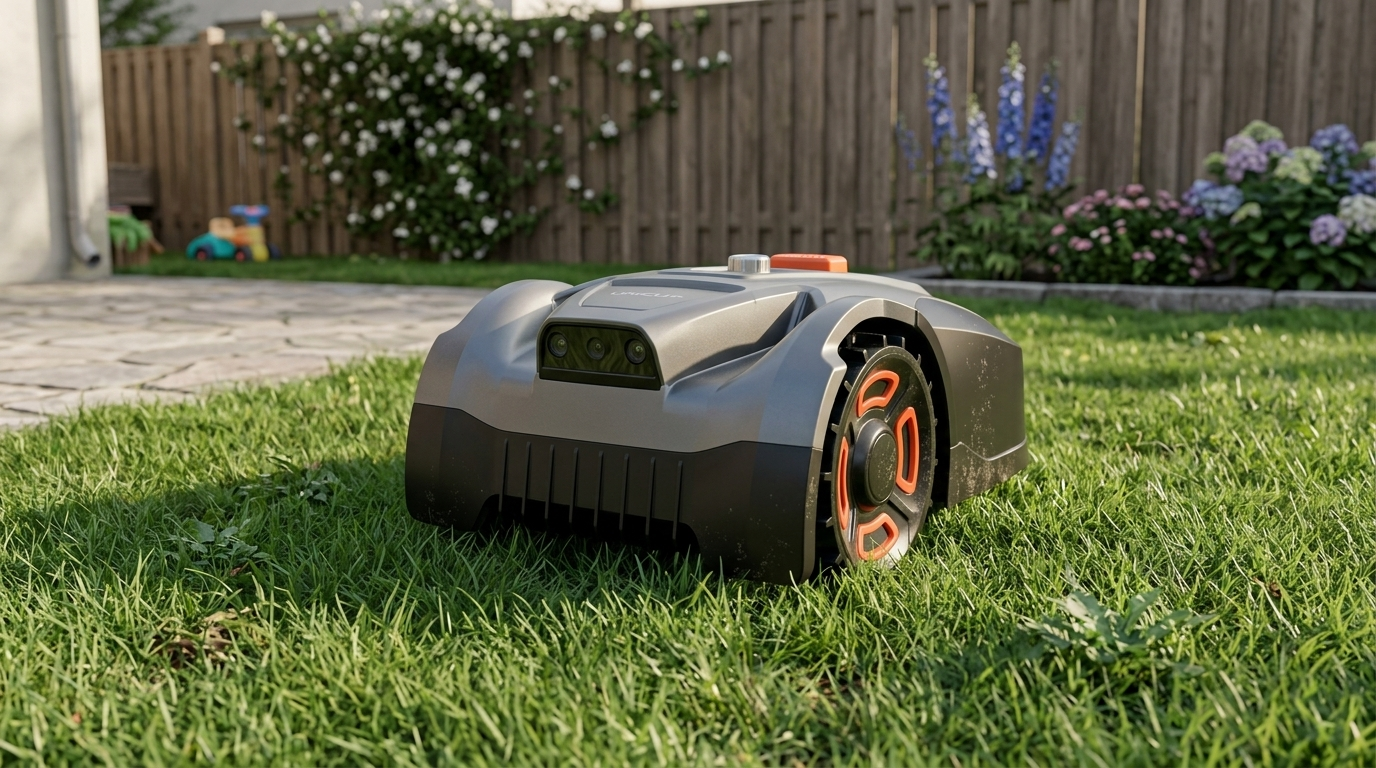
UNICUT H5
500 m² coverage, pure vision, no RTK install.
View model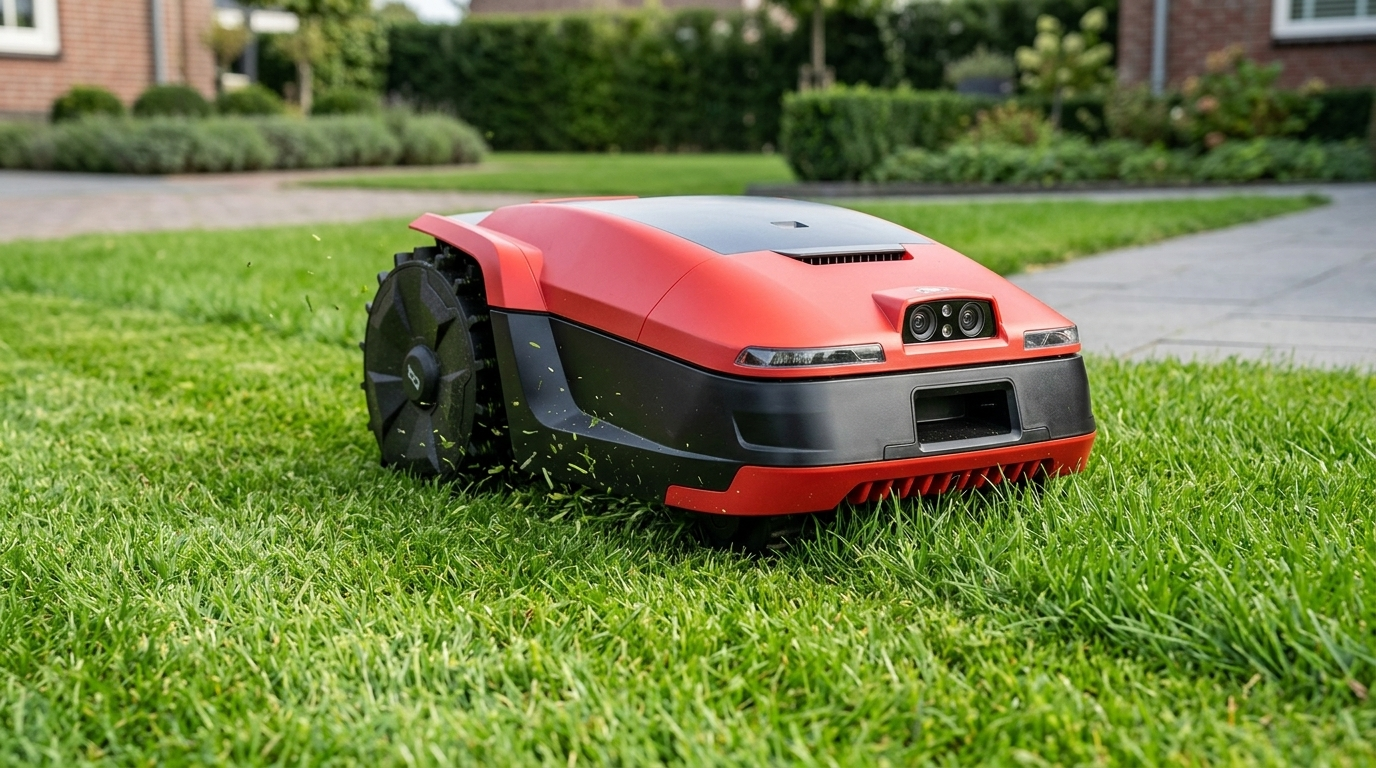
UNICUT H3
800 m² coverage, GFLS fusion with stereo camera.
View model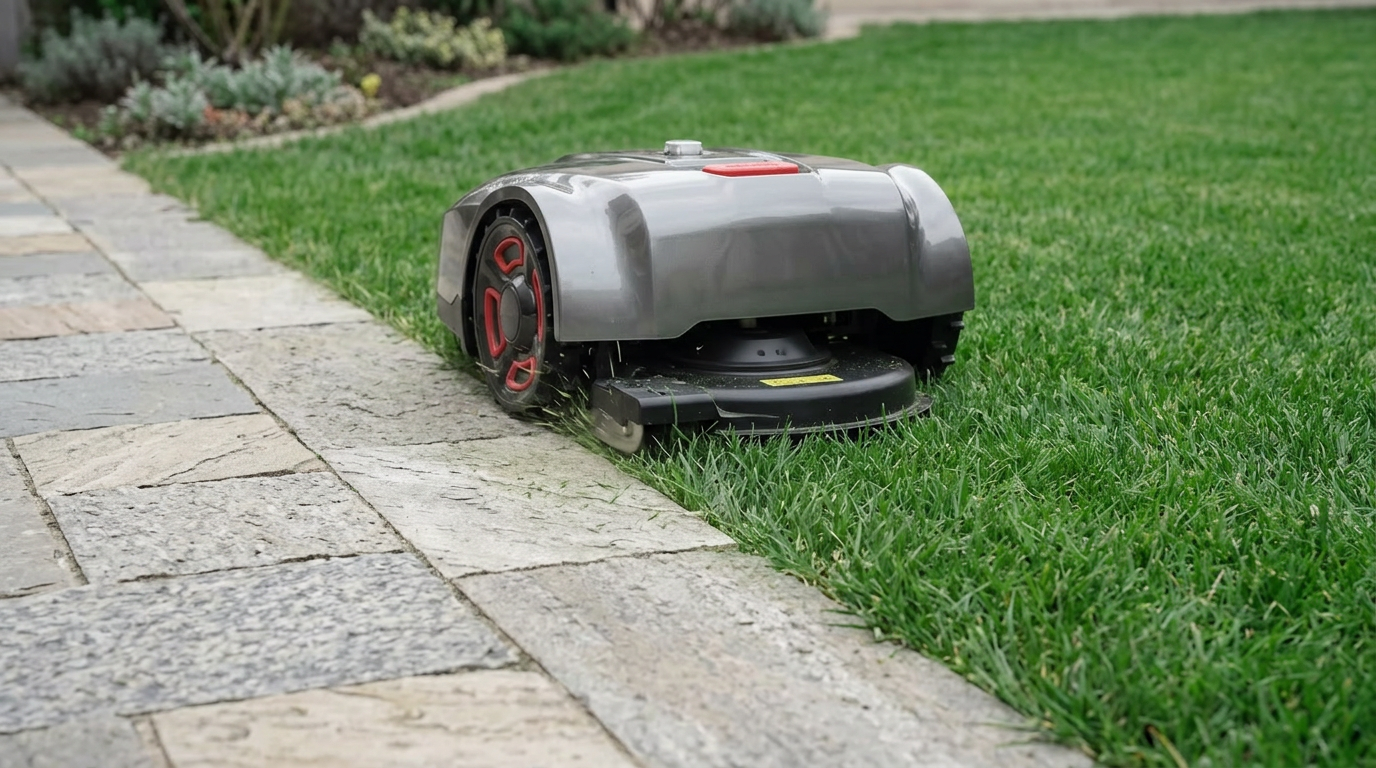
UNICUT H3 PRO
1200 m² coverage, 1 cm edge cutting, 4G anti-theft module.
View model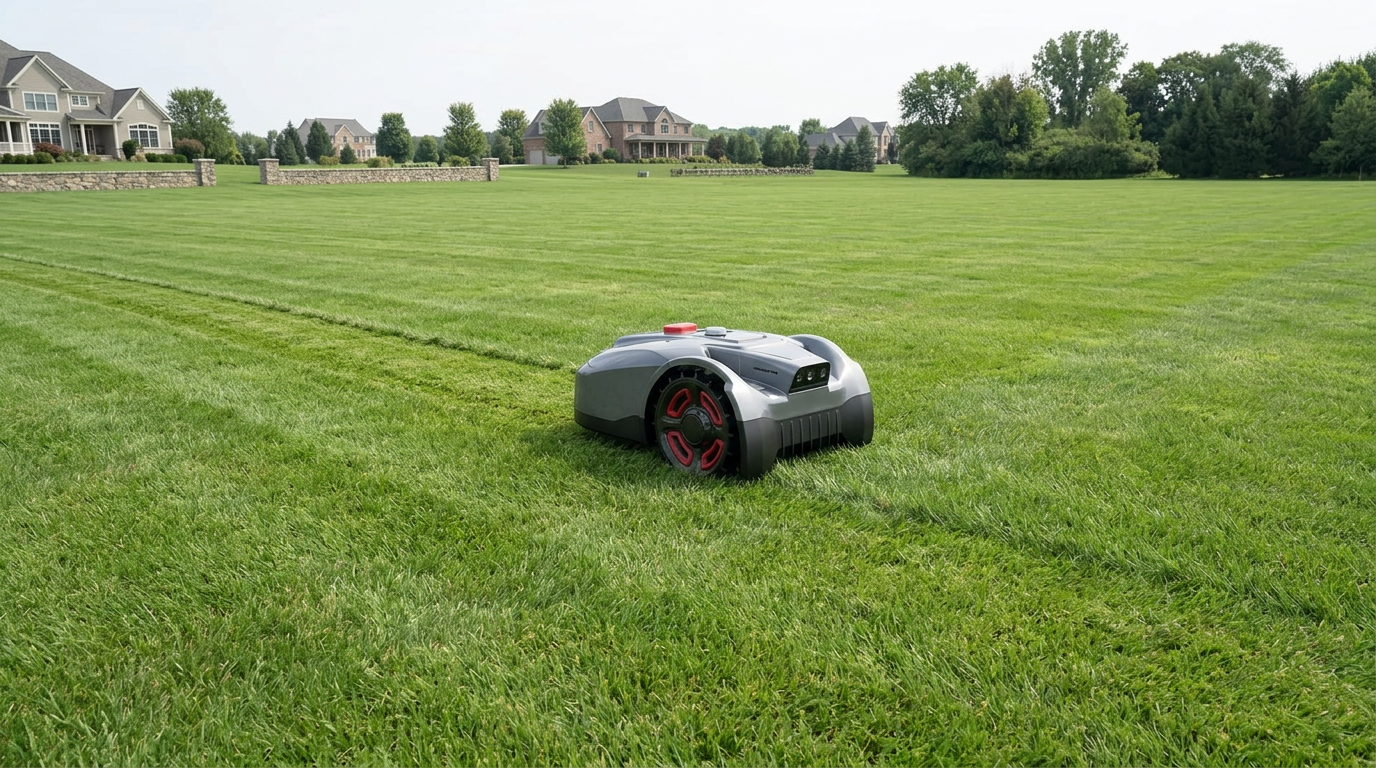
UNICUT H1
1500 m² coverage, 24 cm deck, the widest unit in the range.
View modelCommon questions about a no perimeter wire robot lawn mower programme
The questions below come from B2B buyer conversations, not from end-user FAQs. Answers stay factual to what SmartMowBot ships today.
Does every UNICUT model really run without a perimeter wire?
Yes. H5, H3, H3 PRO and H1 all use the walk-once teach plus the app-defined boundary; none of the four models ships with or requires a perimeter wire to operate.
How long does the perimeter walk take in practice?
Walk time tracks the size of the lawn and how carefully the operator steers around tight corners. On a small residential lawn the teach is a single short walk; on a larger property the operator walks the boundary at a steady pace and saves once at the end.
What happens if the lawn shape changes after the boundary is saved?
The boundary is editable in the app at any time. Pulling a section in, extending a corner, splitting one lawn into multiple zones or adding a no-go around a new feature are all app edits; the operator does not re-trench or re-walk to apply the change.
Can the unit handle a yard split into multiple disconnected zones without a wire?
Yes. Multiple named zones can be defined in the app, and narrow passages can be drawn between zones; the unit traverses the passages and resumes mowing in the next zone on schedule.
Does the unit need RTK on every model to skip the wire?
No. H1, H3 and H3 PRO use the GFLS fusion stack of RTK, visual SLAM and AI vision, while H5 holds the boundary on pure vision alone. The wire-free workflow is the same on every model; the localization stack underneath differs by model.
What happens to the boundary if the dock or the phone changes?
The saved boundary is tied to the unit's serial in the SmartMowBot account, not to a phone. A new phone signed into the same account sees the same map; a dock relocation is handled by re-walking the affected segment once and saving.
Request a boundary-free demo or sample
Submit the form and the SmartMowBot programme team replies with the next slot for a boundary-free demo, a sample unit on the UNICUT coverage class you select, or the range PDF, whichever the form indicates.