UNICUT Range · Selection Hub
Robotic Lawn Mower Range: Four Models on One Platform
The UNICUT lineup runs four coverage classes from 500 to 1500 m², shares one boundary stack and one app across every unit, and splits the localization choice between GFLS and pure vision.
Select by lawn size, tech split or feature need.
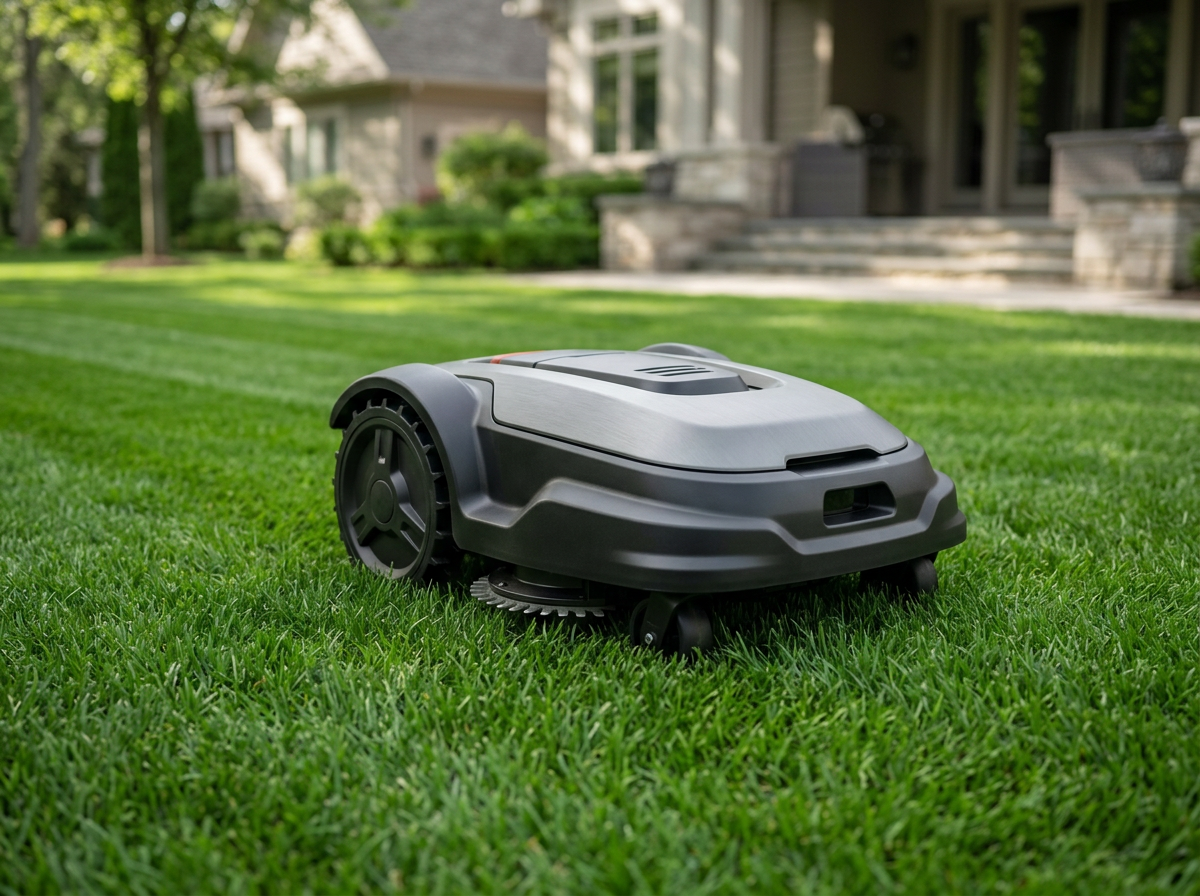
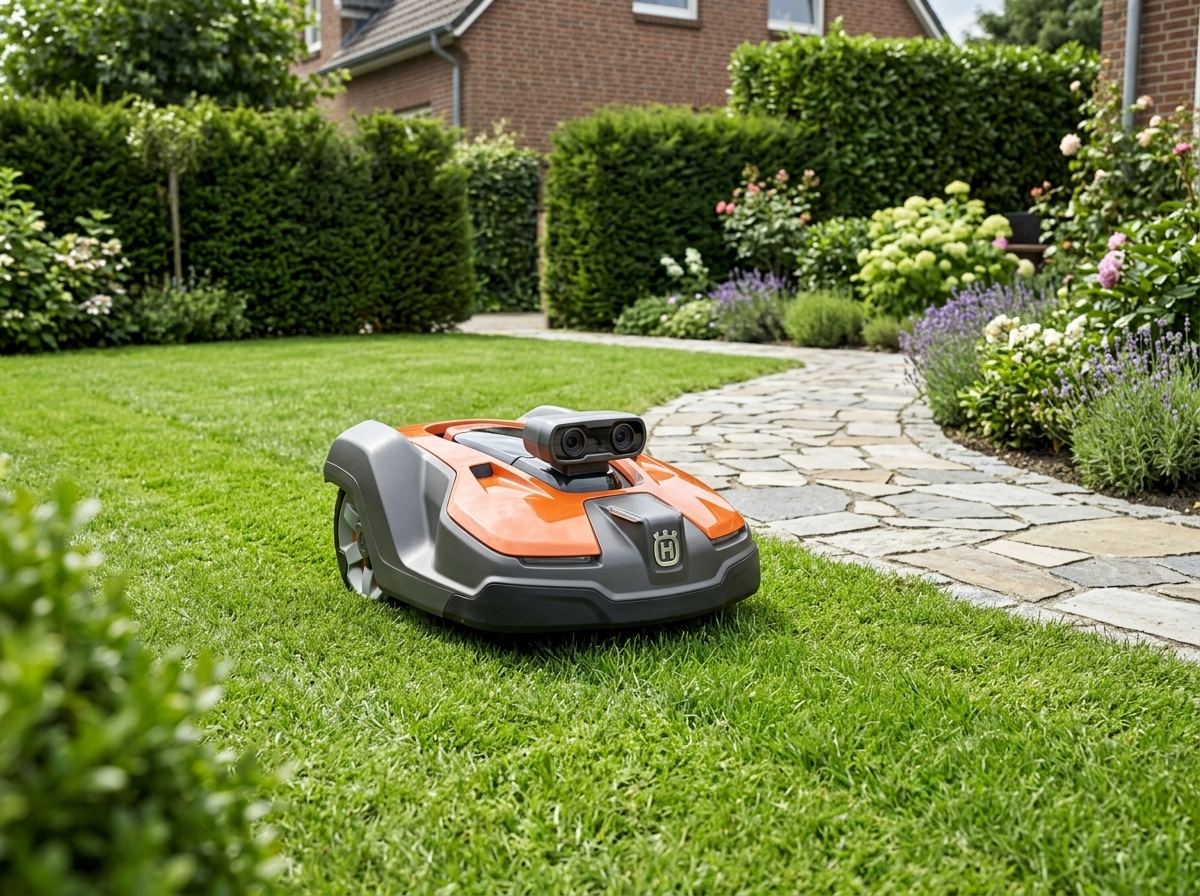
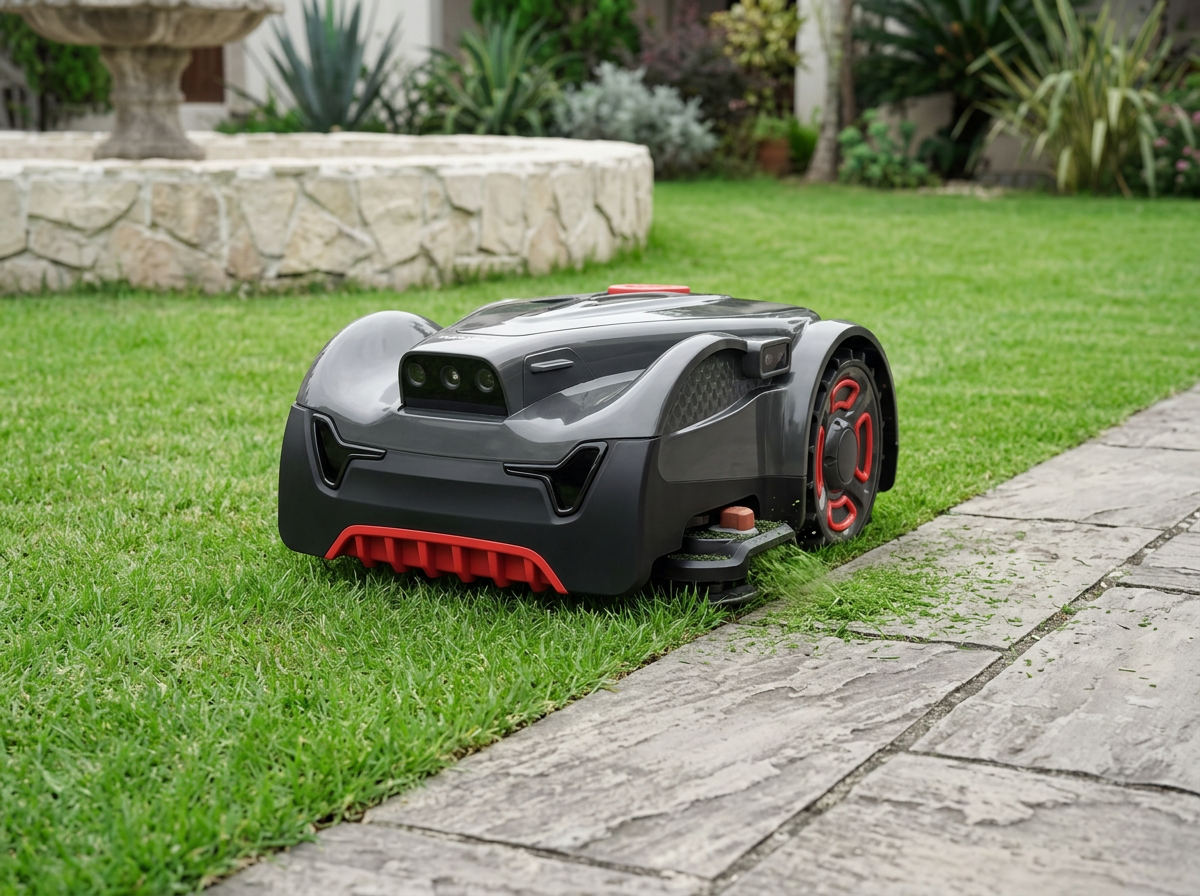
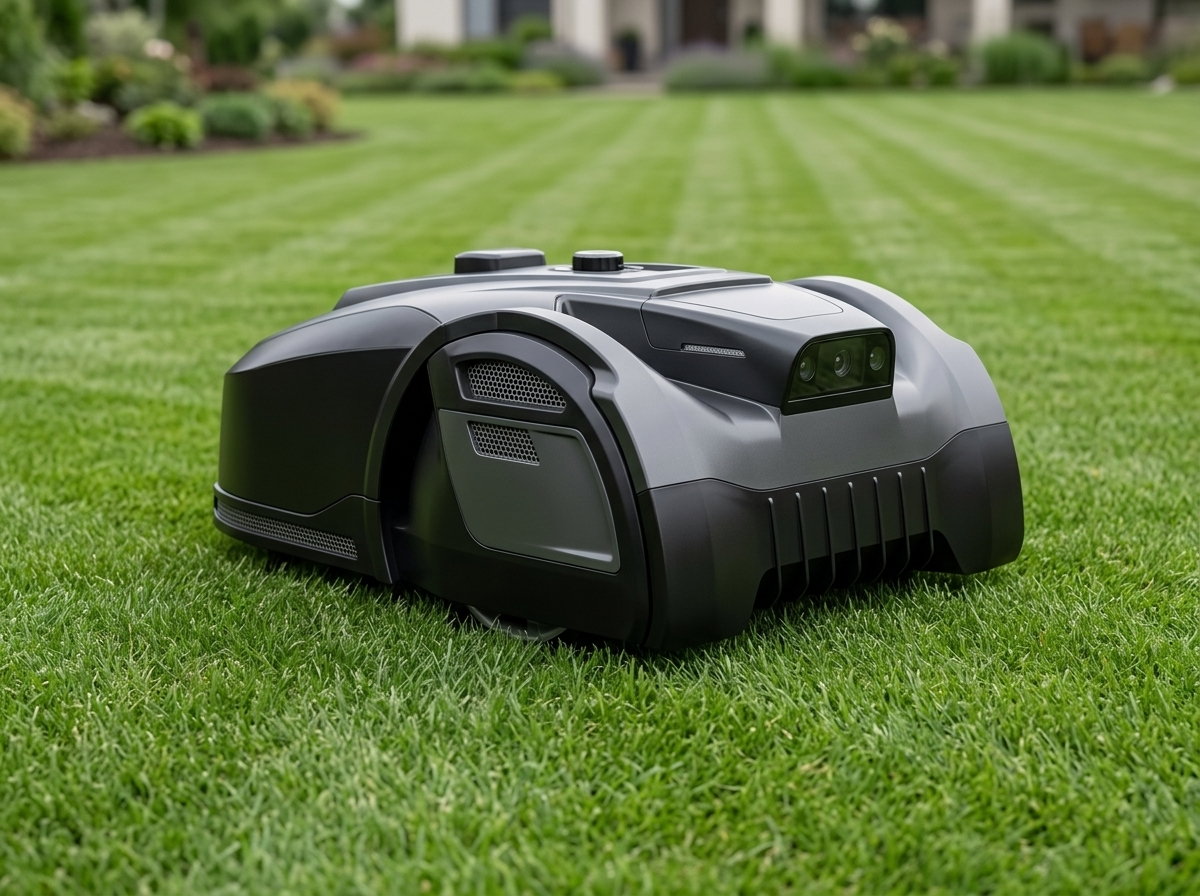
Part 1 · Selection
How to Pick a UNICUT Model: Four Selection Axes
Match coverage to the lawn-size distribution in your target market. Pick the localization split your installer channel accepts. Add features by model. Open a commercial track to set the engineering scope.
Part 2 · Hardware Reference
Specifications Across the UNICUT Range
One table, four models, the same rows the single-product pages use. Coverage and localization stack at the top, hardware in the middle, model-specific extras and SKU page anchors at the bottom.
| Specification | UNICUT H1 | UNICUT H3 | UNICUT H3 PRO | UNICUT H5 |
|---|---|---|---|---|
| Coverage | Up to 1500 m² | Up to 800 m² | Up to 1200 m² | Up to 500 m² |
| Localization stack | RTK + VSLAM + AI vision | RTK + VSLAM + AI vision | RTK + VSLAM + AI vision | Pure vision (no RTK install) |
| Camera | Mono | Stereo | Stereo | Stereo |
| Cutting width | 24 cm | 18 cm | 18 cm | 18 cm |
| Cutting height | 25 to 65 mm | 20 to 60 mm | 20 to 60 mm | 20 to 60 mm |
| Max slope | 45 % (24°) | 35 % (19°) | 35 % (19°) | 35 % (19°) |
| Battery | 5.1 Ah | 5.1 Ah | 5.1 Ah | 2.55 Ah |
| Runtime per charge | 120 min | 90 min | 90 min | 60 min |
| Mowing efficiency | 345 m²/h | 180 m²/h | 200 m²/h | 150 m²/h |
| Noise level | ≤ 59 dB | ≤ 59 dB | ≤ 59 dB | ≤ 59 dB |
| Ingress protection | IPX6 | IPX6 | IPX6 | IPX6 |
| Weight | 10 kg | Not specified | 11 kg | 9.5 kg |
| Extra feature | Flagship platform | Stereo vision | 1 cm edge cutting and 4G anti-theft module | Plug and play, no RTK install |
| Single-product page | UNICUT H1 | UNICUT H3 | UNICUT H3 PRO | UNICUT H5 |
Part 2 · Localization Split
Localization Split: GFLS or Pure Vision
Three of the four UNICUT models run GFLS. The fourth runs pure vision and skips the RTK install step. This page frames the choice; the dedicated technology page explains the stack.
GFLS scope · UNICUT H1, H3 and H3 PRO
GFLS fuses RTK and VSLAM for centimetre-level outdoor positioning, and keeps the unit oriented when satellite signal drops under tree canopy or near walls. AI vision over 300 object types runs on top of the localization stack for obstacle avoidance and pet recognition.
Pure vision scope · UNICUT H5
H5 navigates on pure vision. The unit ships without an RTK module, so the installer skips the satellite alignment step at install. AI vision handles the boundary recognition and the same 300+ object types as the GFLS models.
UNICUT Range · Across the Grid
One platform, four coverage classes, both localization paths.
Open the spec sheetPart 2 · Across the Range
Standard on Every UNICUT Model
Four capabilities that ship on all four units, so the model choice does not change how the unit handles boundaries, obstacles, weather or the customer app.
No perimeter wire boundary
First-time setup walks the unit once around the lawn to record the boundary. The buyer updates the map from the app whenever the property changes. No boundary trench, no installer return visit.
AI vision over 300 object types
The same vision model on every unit identifies more than three hundred object types in the lawn environment, from garden hoses and pets to children and patio furniture. The unit slows or detours around the object once the model classifies it.
IPX6 weather resistance and OTA updates
IPX6 ingress rating on every model. Navigation firmware, the localization stack and the AI vision model update over the air, so deployed fleets stay on the same software baseline.
App multi-zone management
WiFi and Bluetooth pairing, app schedules per zone, virtual walls, no-go regions and narrow passages drawn from the app. The same flow on every model.
Part 3 · Platform Coherence
One Platform, One Team Behind All Four Models
Catalogue trust on this page sits on platform coherence. Company history, factory scope and ownership detail live on the Home page and the about page.
One Wuhan facility
The mechanical line, the electronics line and the software team work out of the same Wuhan facility. Spec lock, sampling and mass production happen on one site, so a model class switch mid-programme does not move the build between subcontractors.
One UNICUT platform
Every UNICUT model shares the same boundary recognition, AI vision model, app stack and OTA pipeline. Model differences sit on coverage class, deck width, camera and localization. The platform underneath stays the same across the four units.
One engineering team
The same group of engineers owns spec lock, sampling, pilot run and mass production for every model in the range. A buyer's contact list stays the same if the programme later moves between H1, H3, H3 PRO or H5.
Pick a model, request the range PDF, or talk through model fit.
Part 4 · Inquiry
Talk to Engineering About Model Fit
Submit the brief. Engineering replies with the model class that fits the brief, the UNICUT range PDF, and a sampling timeline against your target market.